In this article, we will explain the touch gestures for VRoid Studio for iPad.
▼3D View
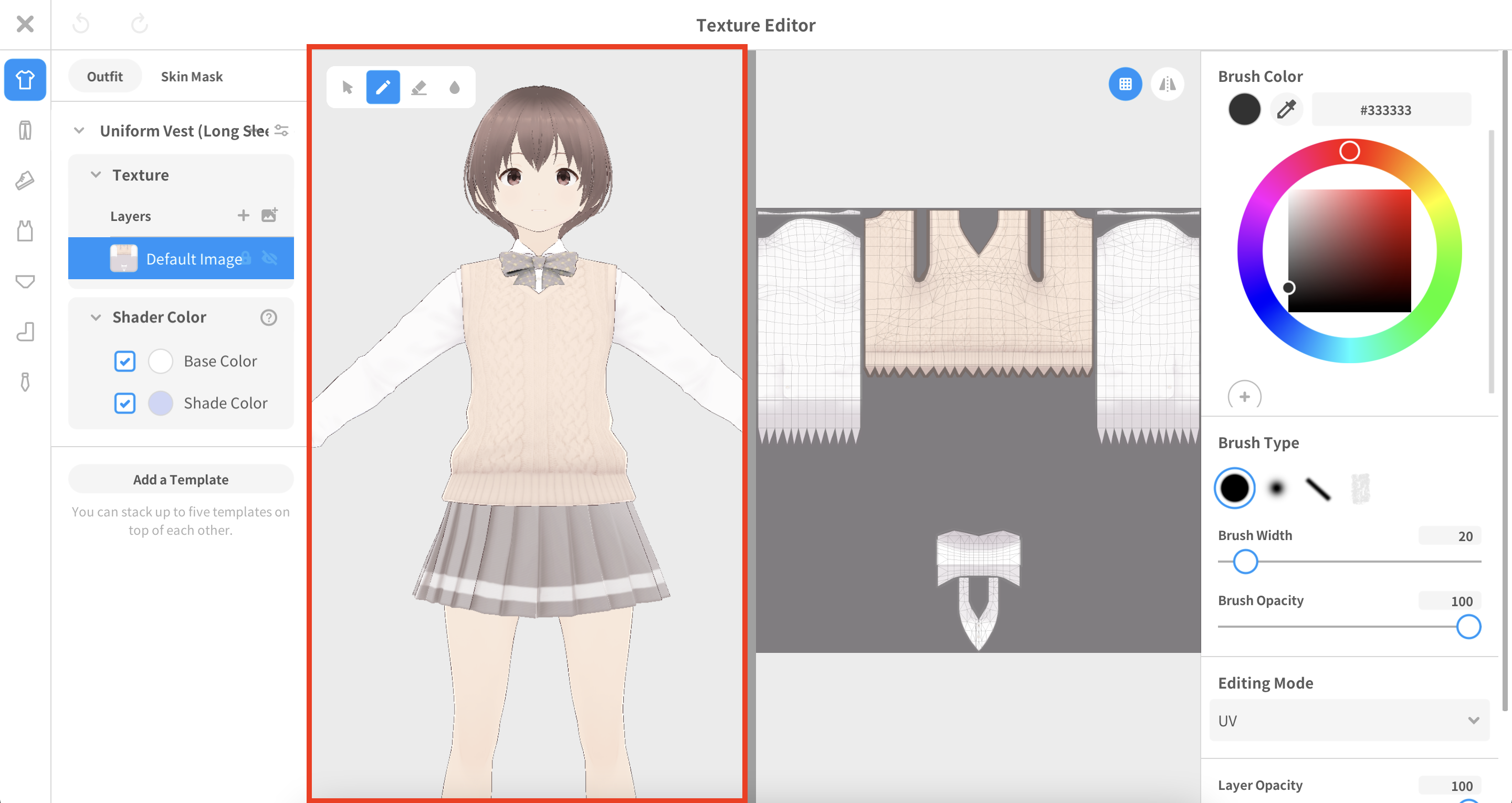
Action |
Touch gesture |
Paint |
One-finger pan |
Rotate camera |
One-finger pan |
Move camera |
Two-finger pan |
Zoom in / out |
Two-finger pinch |
Undo |
Two-finger tap |
Redo |
Three-finger tap |
▼2D View
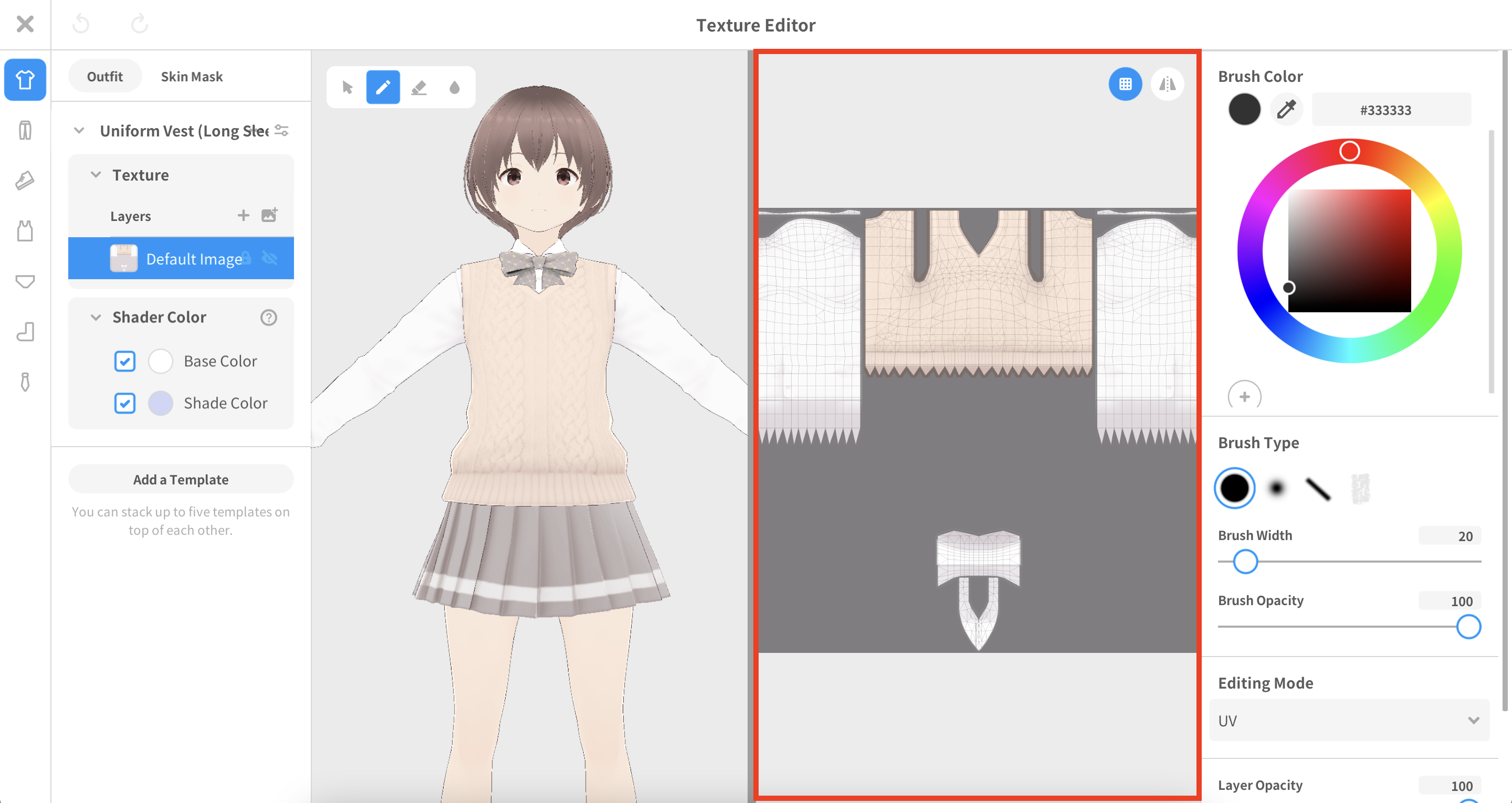
Action |
Touch gesture |
Paint |
One-finger pan |
Move camera |
Two-finger pan |
Zoom in / out |
Two-finger pinch |
Undo |
Two-finger tap |
Redo |
Three-finger tap |
Please refer to the article below to learn more about keyboard shortcuts in VRoid Studio for Windows and macOS.
▼I want to learn more about keyboard shortcuts in VRoid Studio for Windows and macOS
https://vroid.pixiv.help/hc/en-us/articles/900006050066