You can create a young boy model using a pants-style female model as a base. It's easier to do so than to create a young boy model starting from a male model.
▼Example: Sakurada Fumiriya (11-year-old ver.)
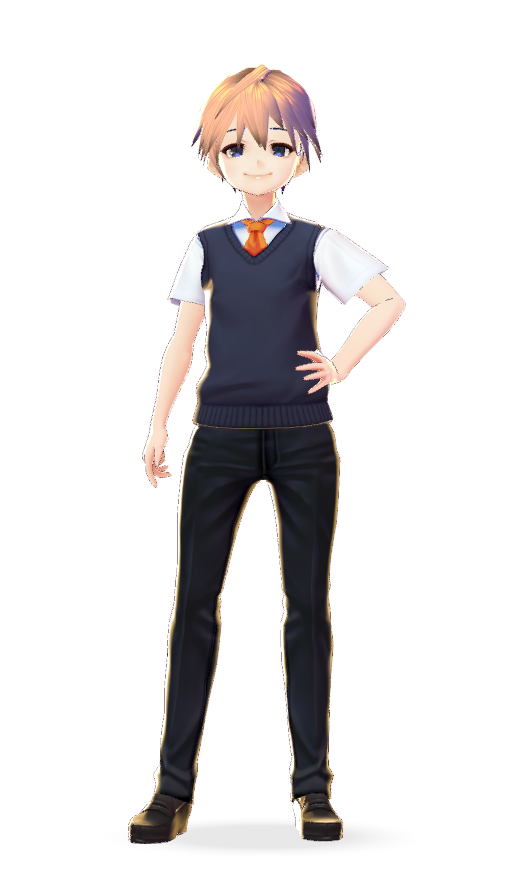
・参考:Reference: Sakurada Fumiriya
① Export the vest (blazer), eyes, brows from a male model.
② Restart VRoid Studio and, after selecting a female model, select Clothing Editor > Pants.
③ Import the textures you previously exported from the male model to the female model.
④ Adjust the female model's body parameters, such as her breasts, until you obtain a male figure.
Once you're done, import the model to VRoid Hub and assign male motions to it.