In Face Editor and Body Editor, you can edit parameters beyond the limit set by sliders by directly editing the numerical parameters.
A male model has also been added starting from v0.5.0.
Animations will be applied even by adjusting the parameters beyond their upper limit.
*However, please note that we do not offer support for any VRoid Studio operation issue due to the adjustment of parameters beyond their upper limit.
Please refer to the video explanation below (the software version is different).
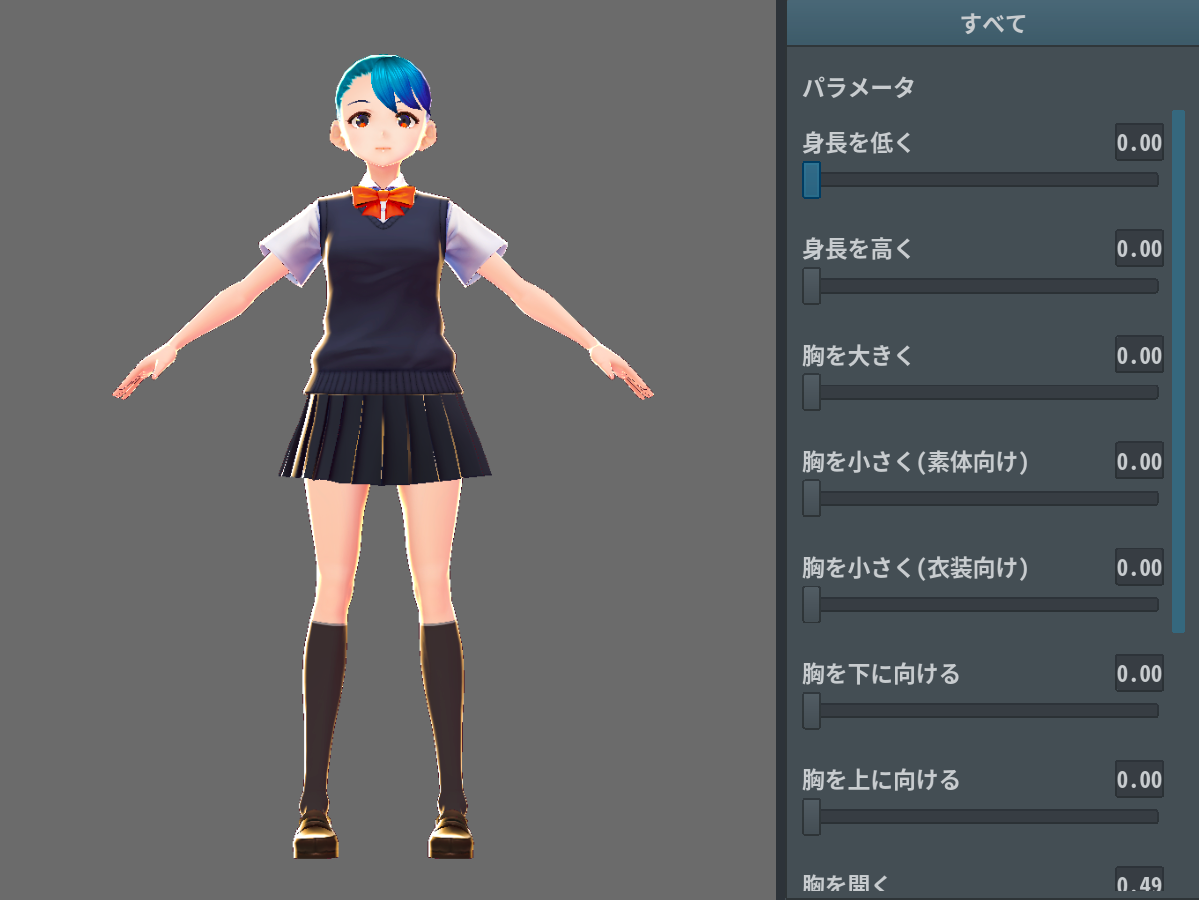
Editing the parameters in Body Editor > Design > Shortness
▼Parameter:0.00
This is the default size of the model.
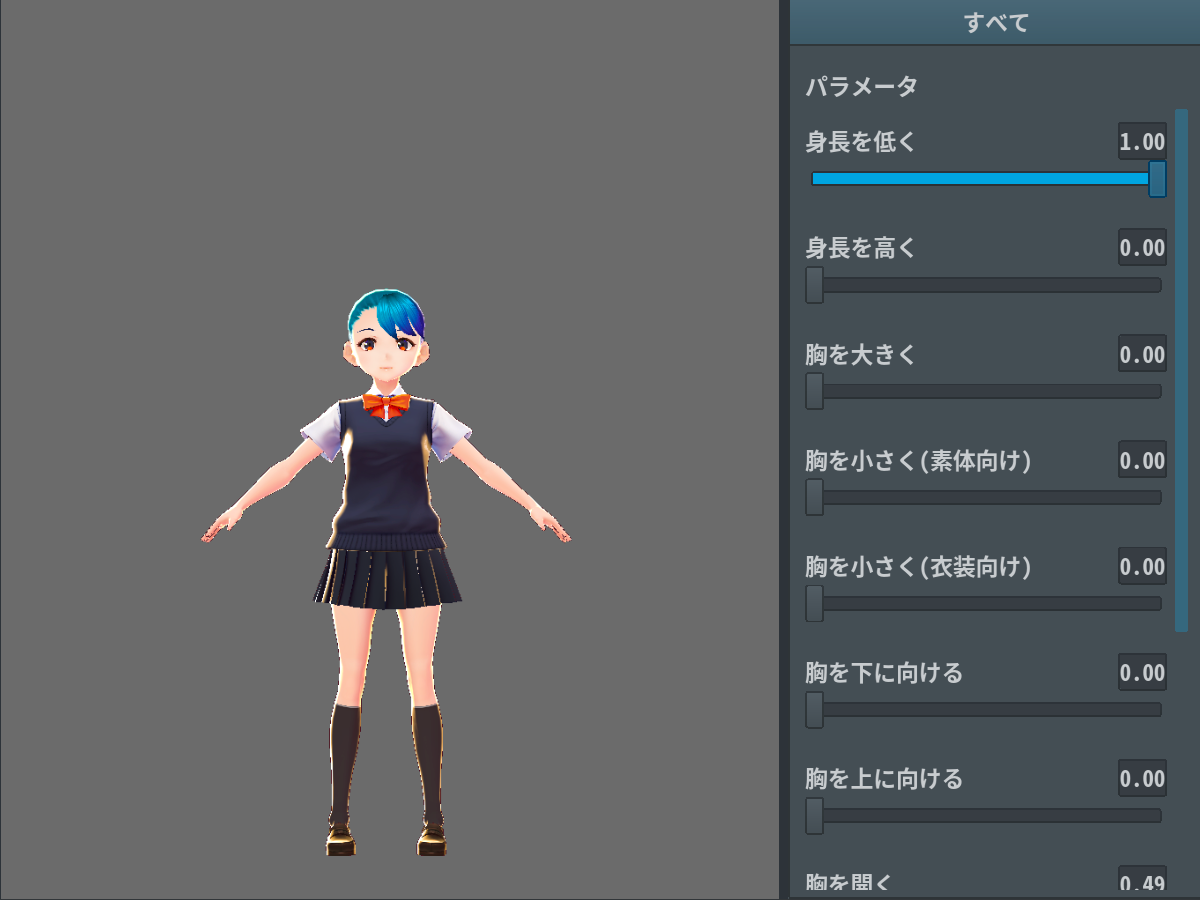
▼Parameter:1:00
We moved the slider all the way to the right.
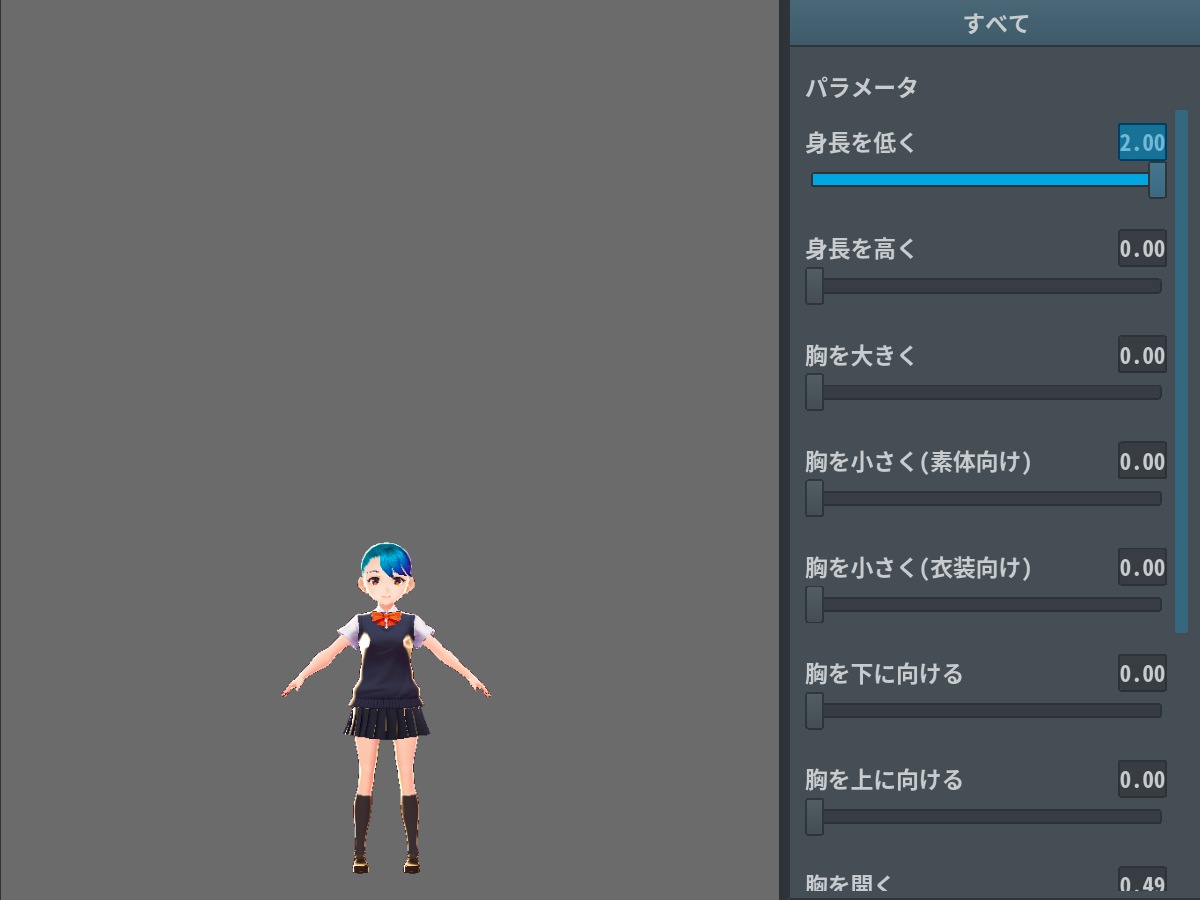
▼Parameter:2:00
We manually entered the parameter. The model is even shorter.
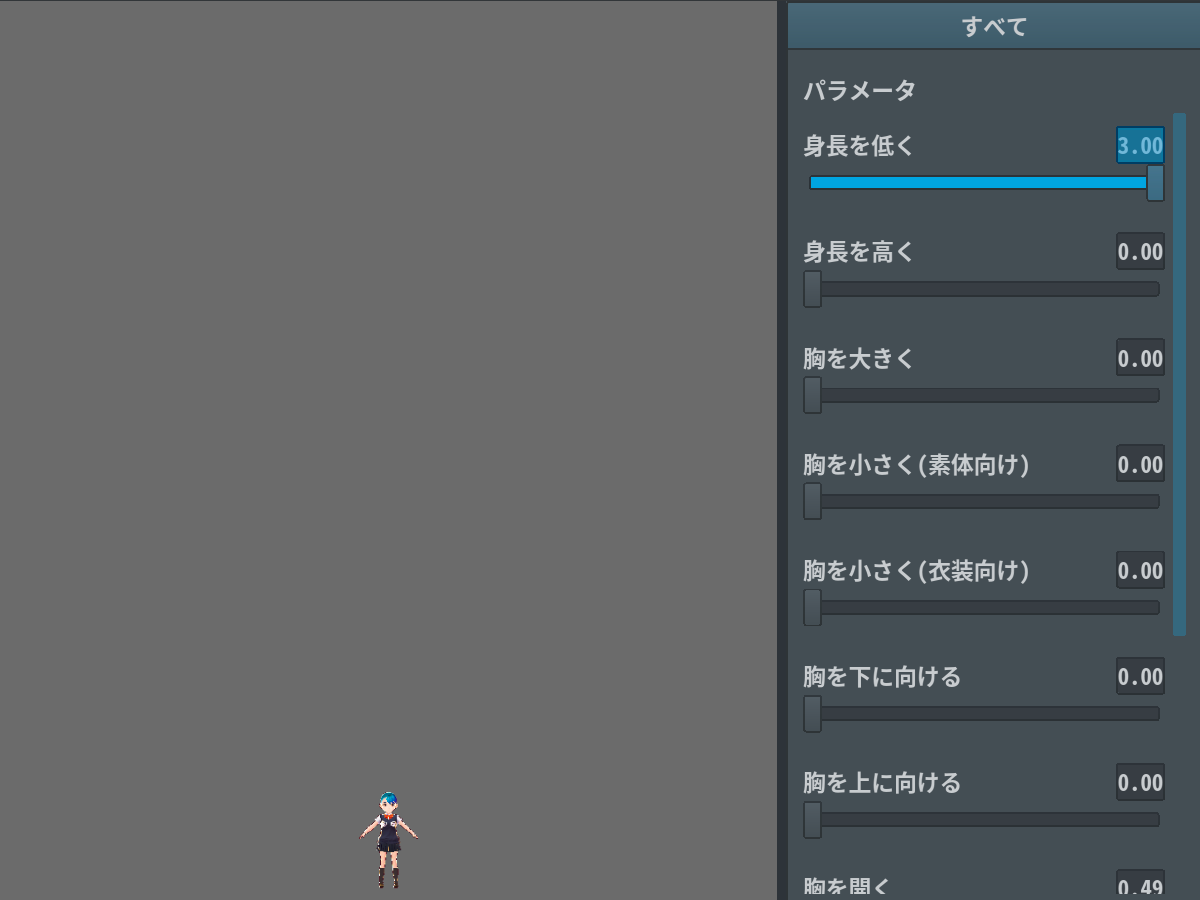
▼Parameter:3:00
The model is as small as a fairy.
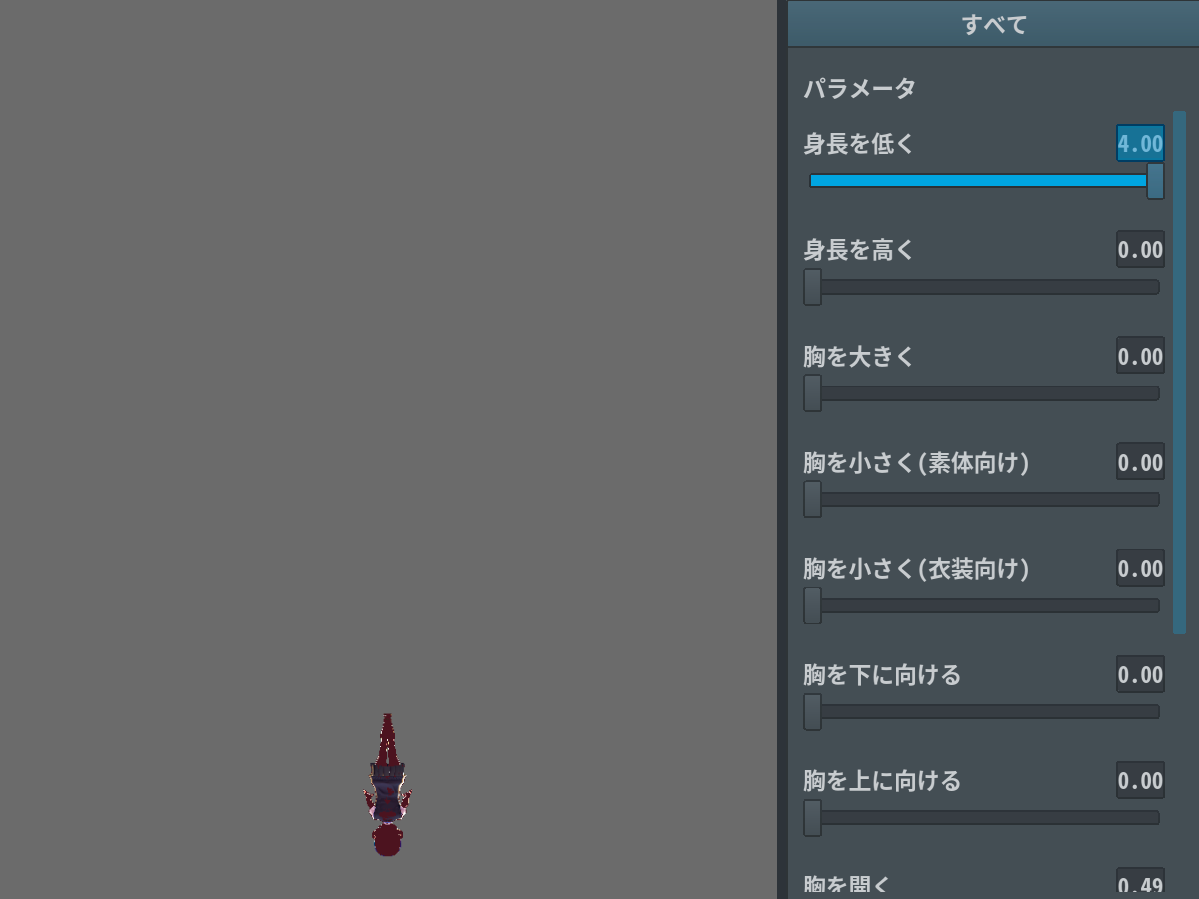
▼Parameter:4:00
The model ended up flipped.
Try and test the limits of VRoid Studio!