You can remove highlights from your model's hair by making them black in the Hairstyle Editor screen.
Using the selection tool, click on the hair in the middle camera panel, then click "Highlights" in the property panel on the right and select the color black. The glossy feeling of the hair will disappear, creating a matte effect.
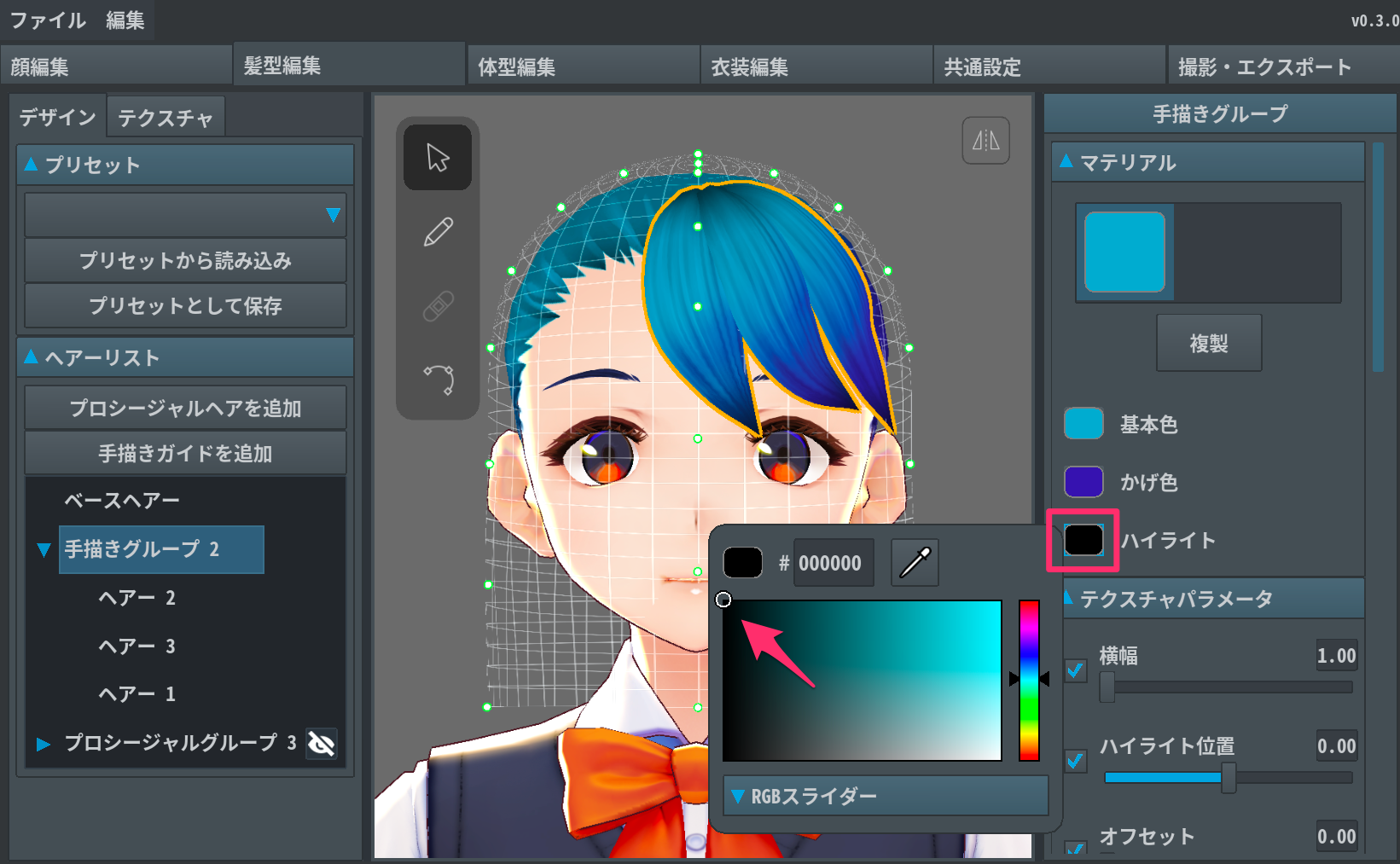
You can also remove highlights in the same way by clicking on Hair Editor > Texture > Highlights and selecting the color black. (In v0.3.0 and previous versions, the Highlight parameter is displayed in the Design panel).